
As a care provider, your scores are essential tools for delivering high-quality care. By actively reviewing your performance data, you can pinpoint areas of strength, target opportunities for improvement, and recognize your accomplishments. This article will guide care providers on accessing the Vitalacy Web App to take ownership of their hand hygiene development:
Table of Contents:
Instructions on How to Access:
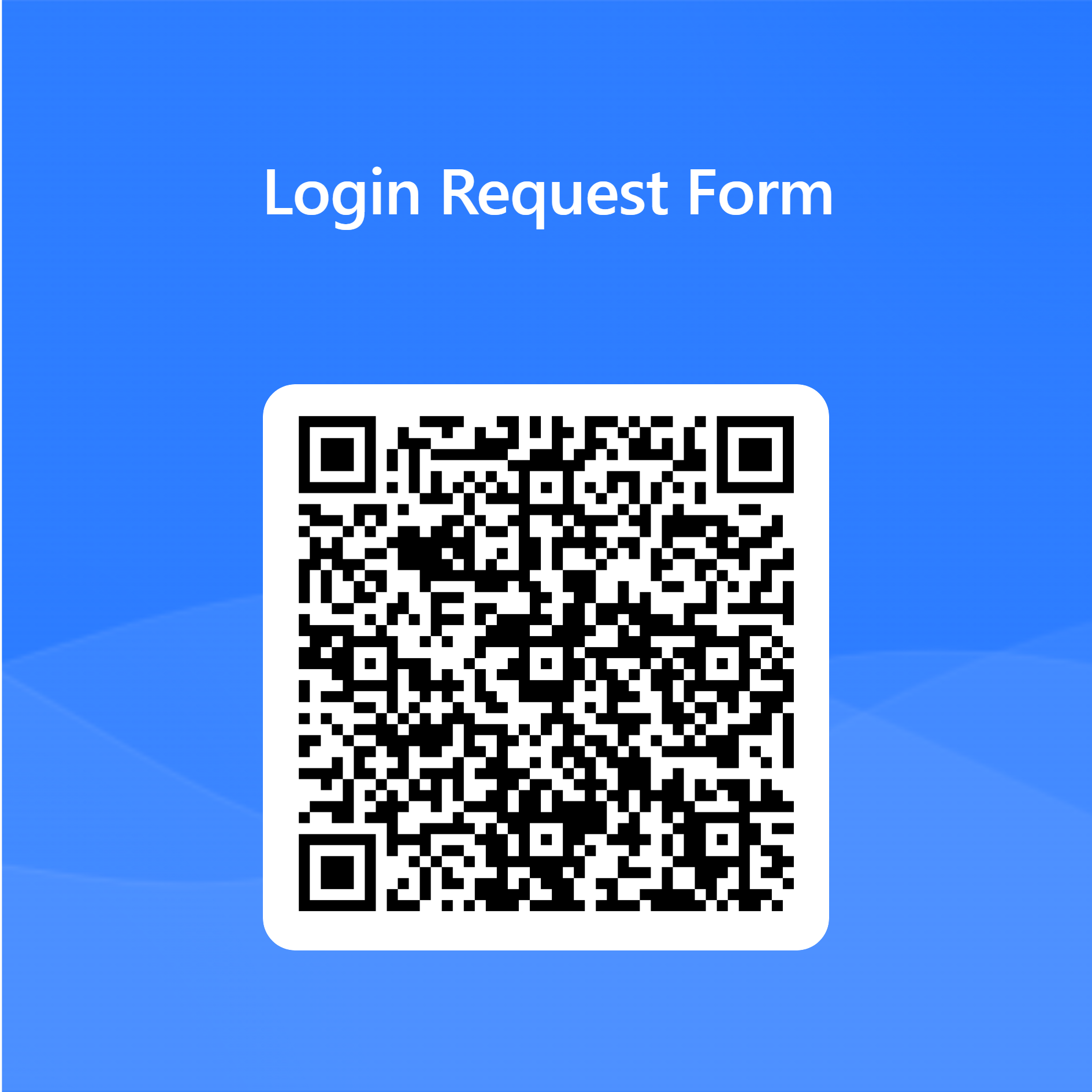
QR Code to Request an Invite
Common Issues
Instructions on How to Access:
-
Request an Invite: You will receive an invite email upon user creation. However, you can request a new invite by emailing your facility admins or Vitalacy Support at help@vitalacy.com.
-
Receive an Invite: The invitation will be sent to your work email. Please make sure to confirm your account using the link in the email within 24 hours. If you attempt to verify your account after 24 hours, the link will expire. If your link has expired, reach out to your facility admin or Vitalacy Support to request a new invitation.
-
Act Quickly: Please make sure to attend to the email within 24 hours, as it will expire after that period. If your link has expired, reach out to your facility admin or Vitalacy Support to request a new invitation.
-
Setup or Reset Your Password: When you receive your email, follow the instructions to setup or reset your password.
-
Login: After your initial login, you can access your dashboard by visiting app.vitalacy.com.
-
Login Details: Enter your work email and the password you set up.
-
Need Help?: If you run into any issues, please contact help@vitalacy.com.
Scan or click the QR code below to request and invite:
Common Issues:
Receive an Invite Common Issues:
Facility Network Issues: Some facilities have a firewall that blocks certain emails from being received. If this issue occurs, please contact your facility administrator or contact help@vitalacy.com for help.
Check Spam Email: There is always the possibility that your account setup email was directed to your email’s spam folder.
Setup or Reset Your Password Common Issues:
Passwords Do Not Match: Be sure to double-check that your passwords match.
Special Characters: Please ensure that you have included all special characters listed below the 'Choose Password' option (!@#$%^&*.).
Login Common Issues:
Forgot password: If you have forgotten the password that you setup, you can reset it by clicking the ‘Forgot Password’ option near the bottom of the login page. You cannot use the 'Forgot Password' option if you have not setup your login yet.
Was this article helpful? If so, please let us know in the comments below!
Contact Support
For continued help and support, please contact us at help@vitalacy.com 😃
Comments
0 comments
Please sign in to leave a comment.